HomeInternet ServicesStarlink Kits CoverageGet the AppApp Tutorials FAQAboutContact Customer Login
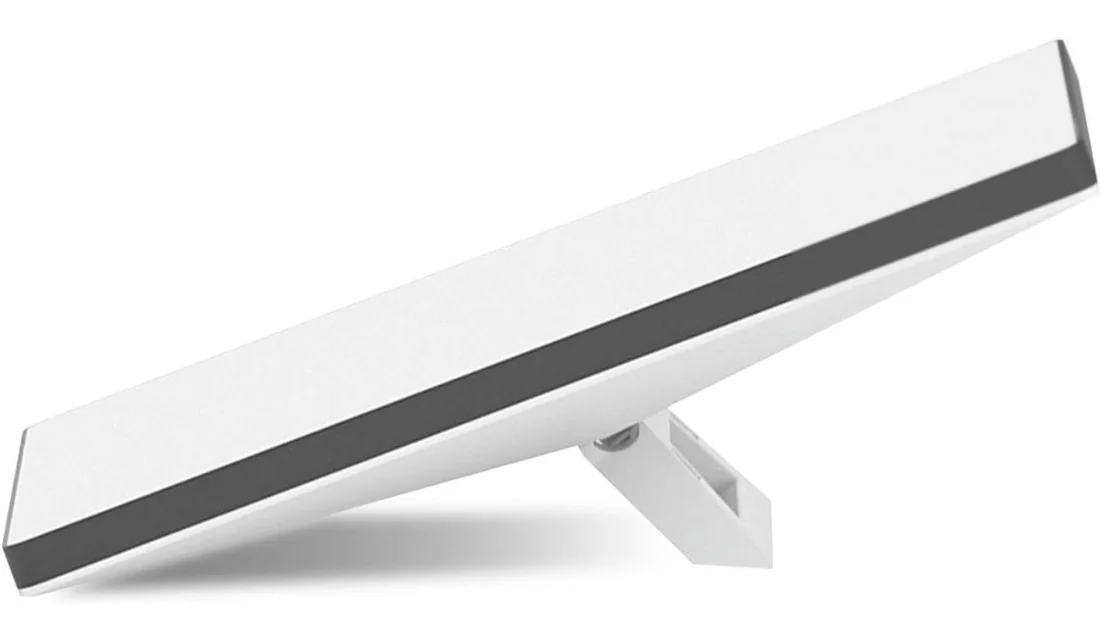
Starlink Mini kit with the kickstand extended
Portable

Starlink Mini Kit

The size of a laptop and about 1.1 kg, with the WiFi router built into the dish. It travels in a backpack and is online in minutes — made for field teams, aid work, travel between cities, and any site that moves.

$350 USD · one-time

The kit is bought once. A monthly Starlink plan is billed separately — $112 to $784 a month depending on how much data you need.

1.1 kg
Weight
50–150+
Mbps download
IP67
Dust and rain

In the box

  • Starlink Mini dish, with WiFi built in
  • Kickstand
  • Pipe adapter
  • DC power cable
  • Power supply and plug

Installation

Set it up yourself

Starlink is designed for self-installation.

No extra cost

We install it

Site check, mounting, alignment, cabling and WiFi setup.

+$50
Order on WhatsApp — $350 Ask a question

Genuine Starlink hardware · professional installation available · support on WhatsApp
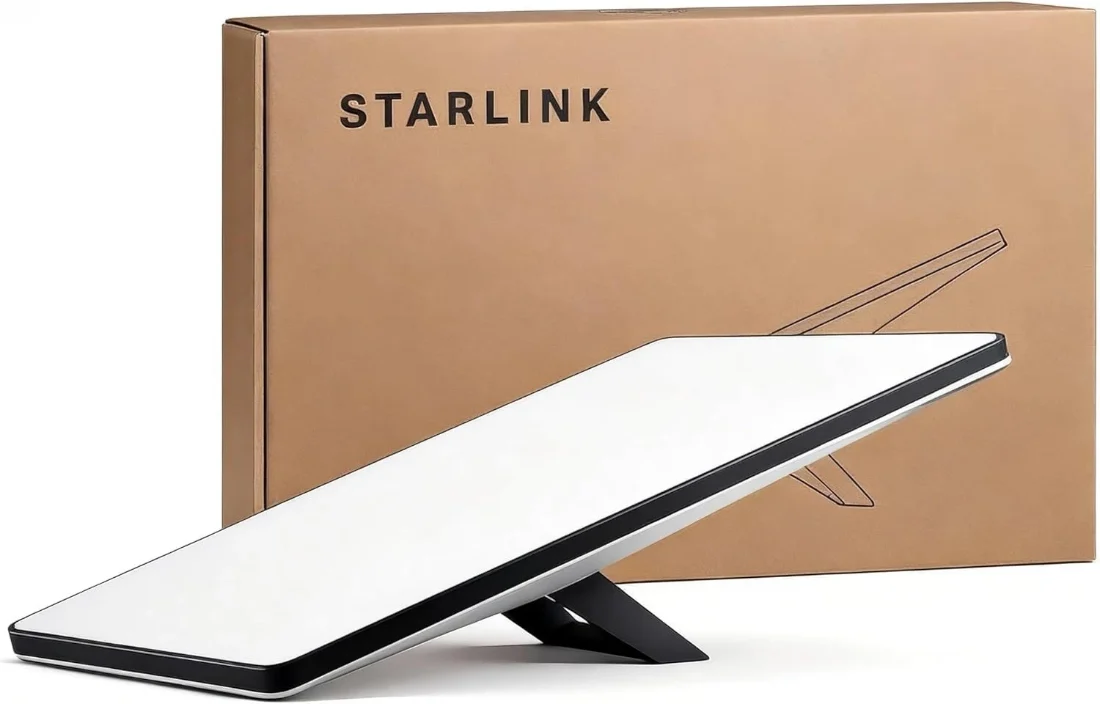
Internet you can carry

The Mini is the smallest terminal Starlink makes. There is no separate router to find a shelf for and no cable run to plan — the WiFi is inside the dish, so the whole installation is the dish, its power lead, and a clear view of the sky.

That matters most where the connection has to move. A team working a week in one place and a week in another does not want a fixed install in either. Neither does a vehicle, a temporary office, or a site that has not decided where it is putting the roof yet.

It draws little enough power to run from a decent power bank or a small solar setup with the right cable, which is the other reason field teams choose it over the Standard.

Specifications

From Starlink’s published specifications for this kit.

Dimensions298.5 × 259 × 38.5 mm
Weight1.1 kg
Download speedTypically 50–150+ Mbps
WiFiBuilt into the dish — no separate router
Power draw25–40 W
Weather ratingIP67 — sealed against dust and rain
MountingKickstand included; pipe adapter in the box

Getting it working

Starlink designed the Mini to be set up by the person who bought it, and for most sites that is the honest answer. Our installation is worth paying for when the dish needs to go somewhere awkward, or when a site survey matters more than the setup itself.

1

Power it

Unfold the kickstand and connect the power lead.

2

Give it sky

Put it where nothing blocks the view upward. The Starlink app checks for obstructions before you commit to a spot.

3

Join the WiFi

Connect to the Starlink network from your phone or laptop and finish setup in the app.

Questions

No. The WiFi router is built into the dish, which is one of the main differences between the Mini and the Standard kit.
It draws 25–40 W, which is low enough for a good power bank or a small solar setup, provided you have the right cable for the source you are using.
$350 for the kit, once. Then a monthly Starlink plan, from $112 to $784 depending on data. Installation by us is $50 if you want it; self-installation costs nothing extra.
It can be, for a small one. The Standard kit is faster and its WiFi 6 router covers far more floor area, so for a home, an office or a guesthouse the Standard is usually the better fit. The Mini is chosen for portability.

The other kit

Starlink Standard kit: dish and WiFi router

Starlink Standard Kit

$600 one-time

Professional installation

$50 one-time

What the visit covers, and when you genuinely need one.