HomeInternet ServicesStarlink Kits CoverageGet the AppApp Tutorials FAQAboutContact Customer Login
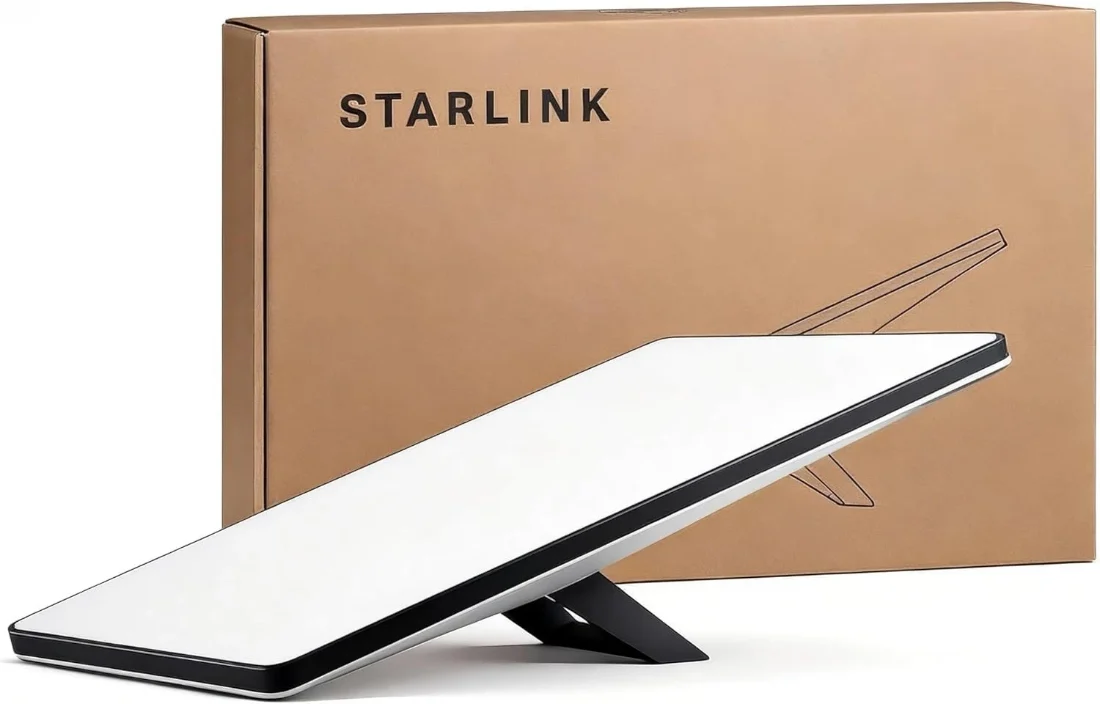
Starlink Standard kit: dish and WiFi router
Most popular

Starlink Standard Kit

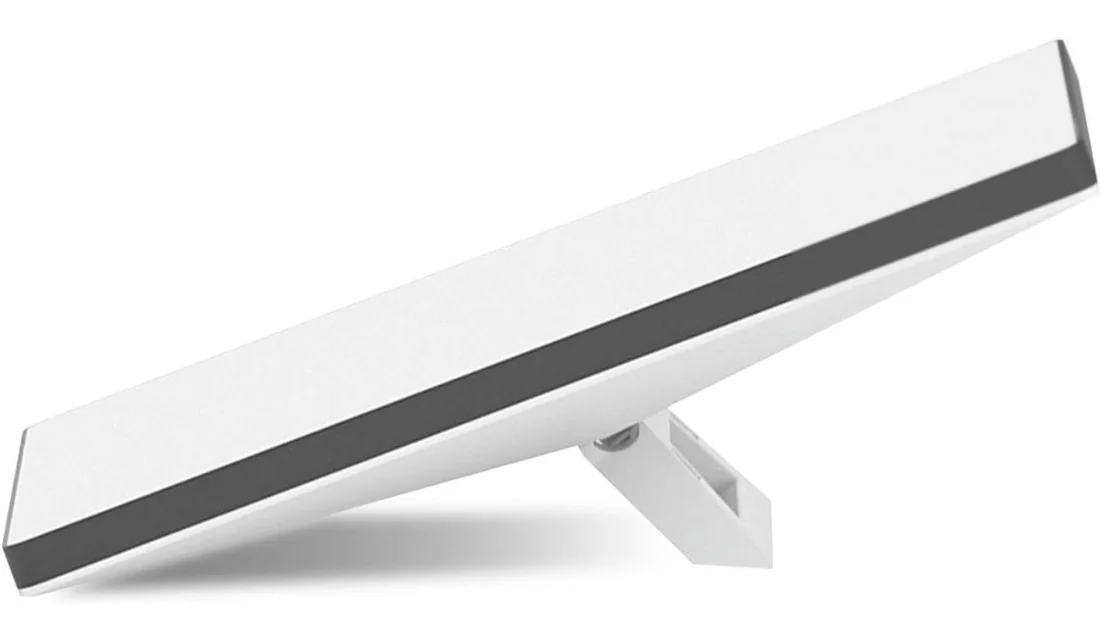
The current-generation kickstand dish — no motors, nothing to jam, tougher than the old actuated design. This is the kit for homes, offices, guesthouses and WiFi zones, and it comes with a WiFi 6 router.

$600 USD · one-time

The kit is bought once. A monthly Starlink plan is billed separately — $112 to $784 a month depending on how much data you need.

100–250
Mbps download
297 m²
WiFi coverage
IP67
Dust and rain

In the box

  • Starlink dish with fixed kickstand
  • Starlink WiFi 6 router
  • Starlink cable, dish to router
  • AC power cable

Installation

Set it up yourself

Starlink is designed for self-installation.

No extra cost

We install it

Site check, mounting, alignment, cabling and WiFi setup.

+$50
Order on WhatsApp — $600 Ask a question

Genuine Starlink hardware · professional installation available · support on WhatsApp
The kit for a building

The current Standard dish has no moving parts. The older design motored itself into position, which meant a mechanism that could seize, and in dust that was a real failure mode. This one is a fixed kickstand: you aim it once and nothing in it can jam afterwards.

Its router is the other half of why it suits a building. WiFi 6, roughly 297 m² of coverage and up to 235 devices — enough for a family house, an office floor, a guesthouse, or a paid WiFi zone, without adding access points on day one.

It is rated to work from −30°C to 50°C and sealed to IP67, and it is specified to hold up in winds over 96 kph.

Specifications

From Starlink’s published specifications for this kit.

Download speedTypically 100–250 Mbps
RouterWiFi 6
WiFi coverageUp to 297 m², up to 235 devices
Operating temperature−30°C to 50°C
Wind rating96+ kph
Weather ratingIP67 — sealed against dust and rain
MountingFixed kickstand included; other mounts sold separately

Getting it working

Starlink allows self-installation and plenty of Standard kits go in that way. The visit earns its keep on a roof or a mast, where getting the position right the first time is worth more than the fee.

1

Find the sky

Pick a spot with nothing overhead. The Starlink app checks for obstructions from where you are standing.

2

Run the cable

Dish to router on the supplied cable, then the router to power.

3

Set up the WiFi

Name the network and set a password in the Starlink app, and the building is online.

Questions

The Standard is faster, has a separate WiFi 6 router covering far more floor area, and is built to stay where it is put. The Mini is about 1.1 kg with its WiFi built in, and is meant to move. The Standard is $600, the Mini $350.
No, and that is deliberate. The current generation uses a fixed kickstand instead of the motorised mount the older design used, so there is no mechanism to seize.
$600 for the kit, once. Then a monthly Starlink plan, from $112 to $784 depending on data. Installation by us is $50 if you want it; self-installation costs nothing extra.
It is rated for up to 297 m² and 235 devices, which covers most homes and small offices. Thick walls and long buildings can still leave gaps, and those are solved by adding access points rather than by a second kit.

The other kit

Starlink Mini kit with the kickstand extended

Starlink Mini Kit

$350 one-time

Professional installation

$50 one-time

What the visit covers, and when you genuinely need one.